Steps7
- Open Inventory.
- Tap Inventory tools.
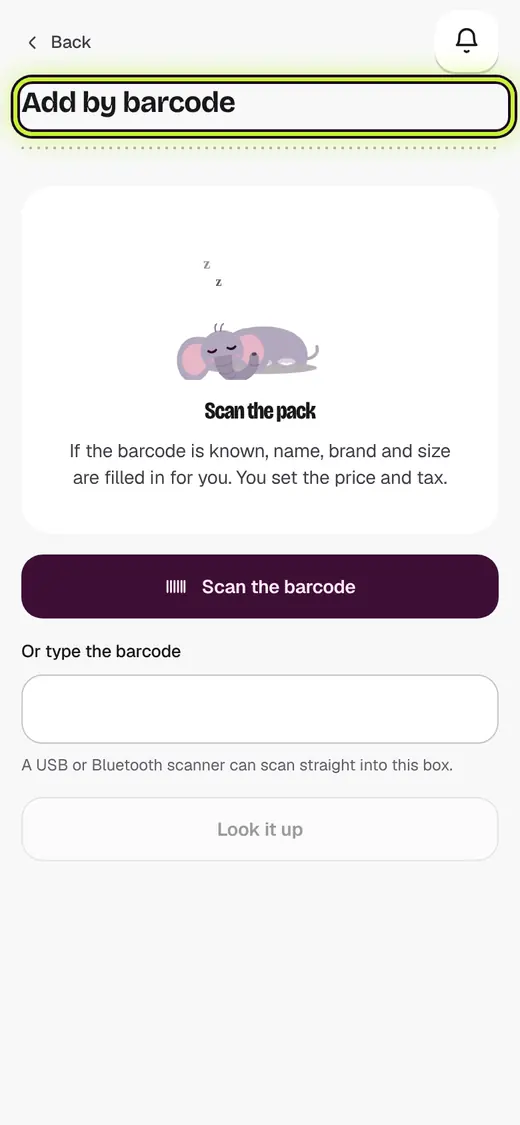
- Tap Add by barcode.
- Scan the pack, or type the barcode.
- Check the name and size.
- Type Your selling price.
- Tap Save this product.
If it stops you
Not in the free product lists: type the details once. Next time it scans.
That is not a barcode: barcodes are 8, 12 or 13 digits.
Good to know
- Stock is added later, when the goods come.
Still stuck?
In the app, tap ? on the screen you are on and ask in your own words. Or email support@kowntx.com. A person replies in writing. Never send your PIN, code or card number.