Steps3
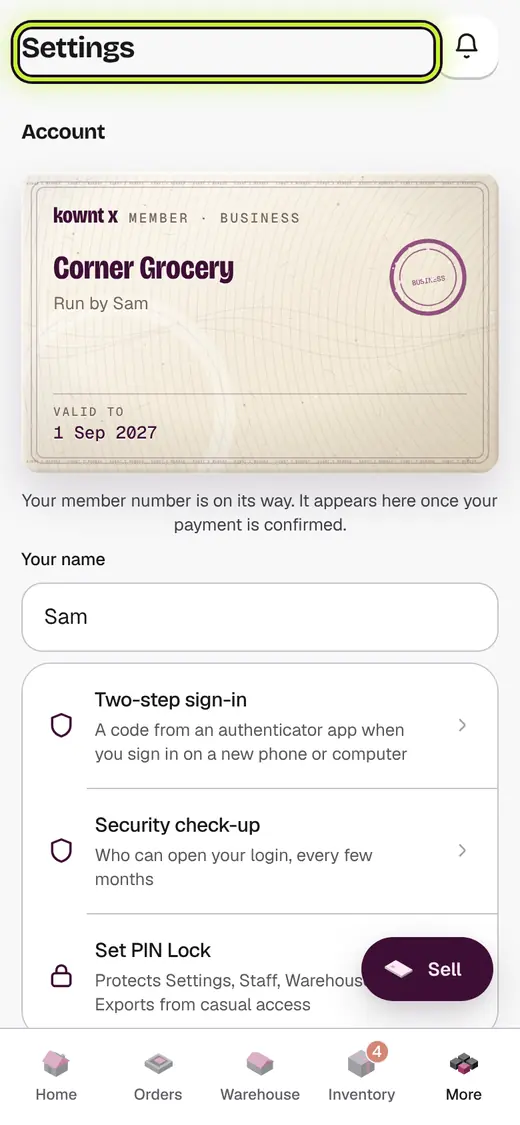
- Open Settings.
- Go to Language.
- Tap your language.
Good to know
- Some words may still show in English for now.
- Bills have their own language. See "Language on bills".
Still stuck?
In the app, tap ? on the screen you are on and ask in your own words. Or email support@kowntx.com. A person replies in writing. Never send your PIN, code or card number.